

CRM and project management

Kanban that already knows your customer
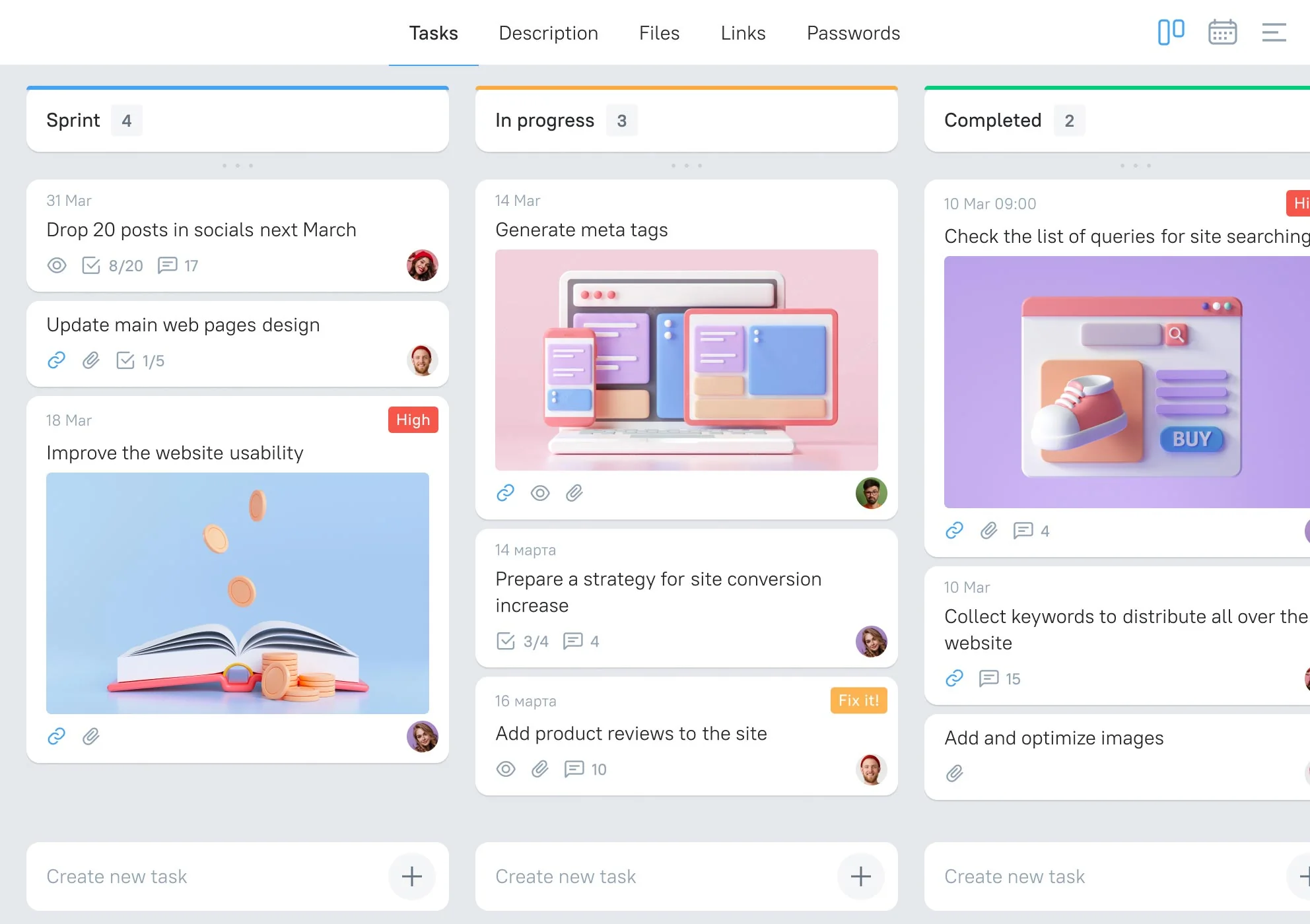
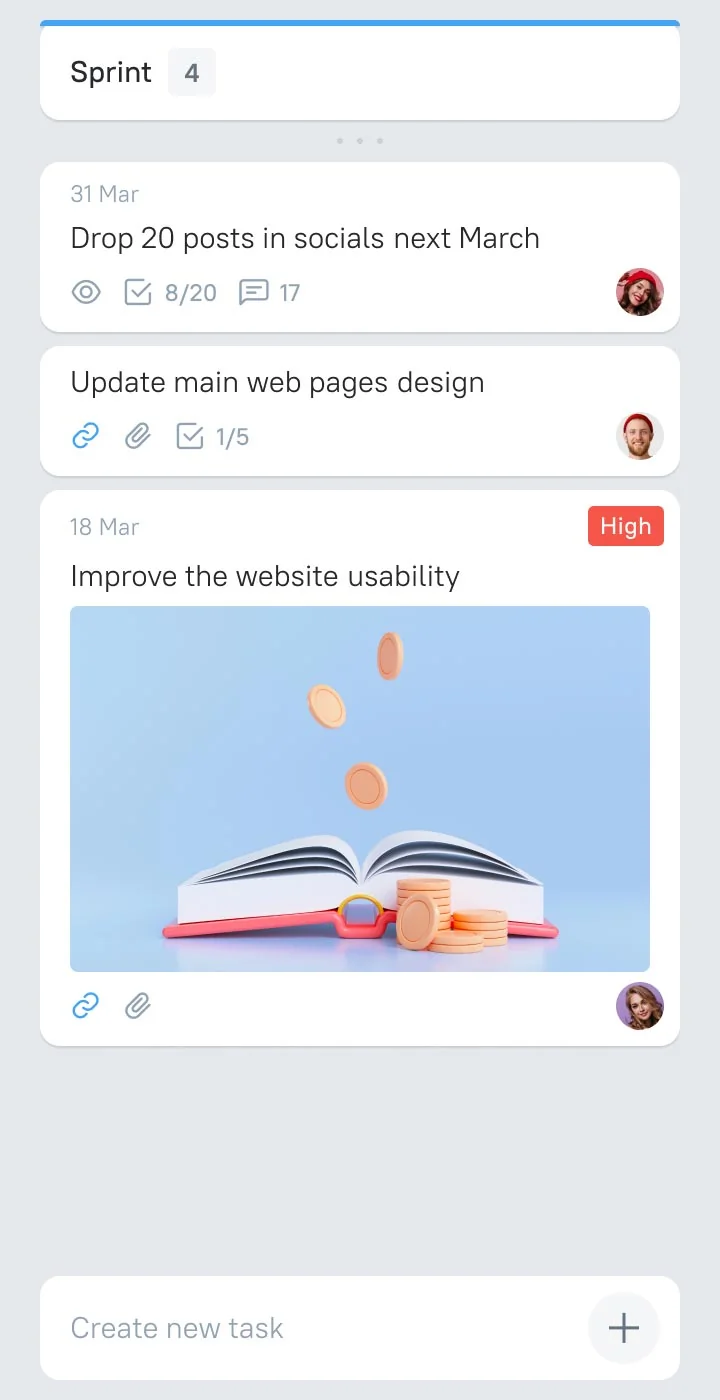
Create stages, drag tasks, set owners and due dates, tick off checklists and discuss the work right inside the task. Every task stays linked to the deal and the customer it came from, so nobody has to ask “which client is this for?”
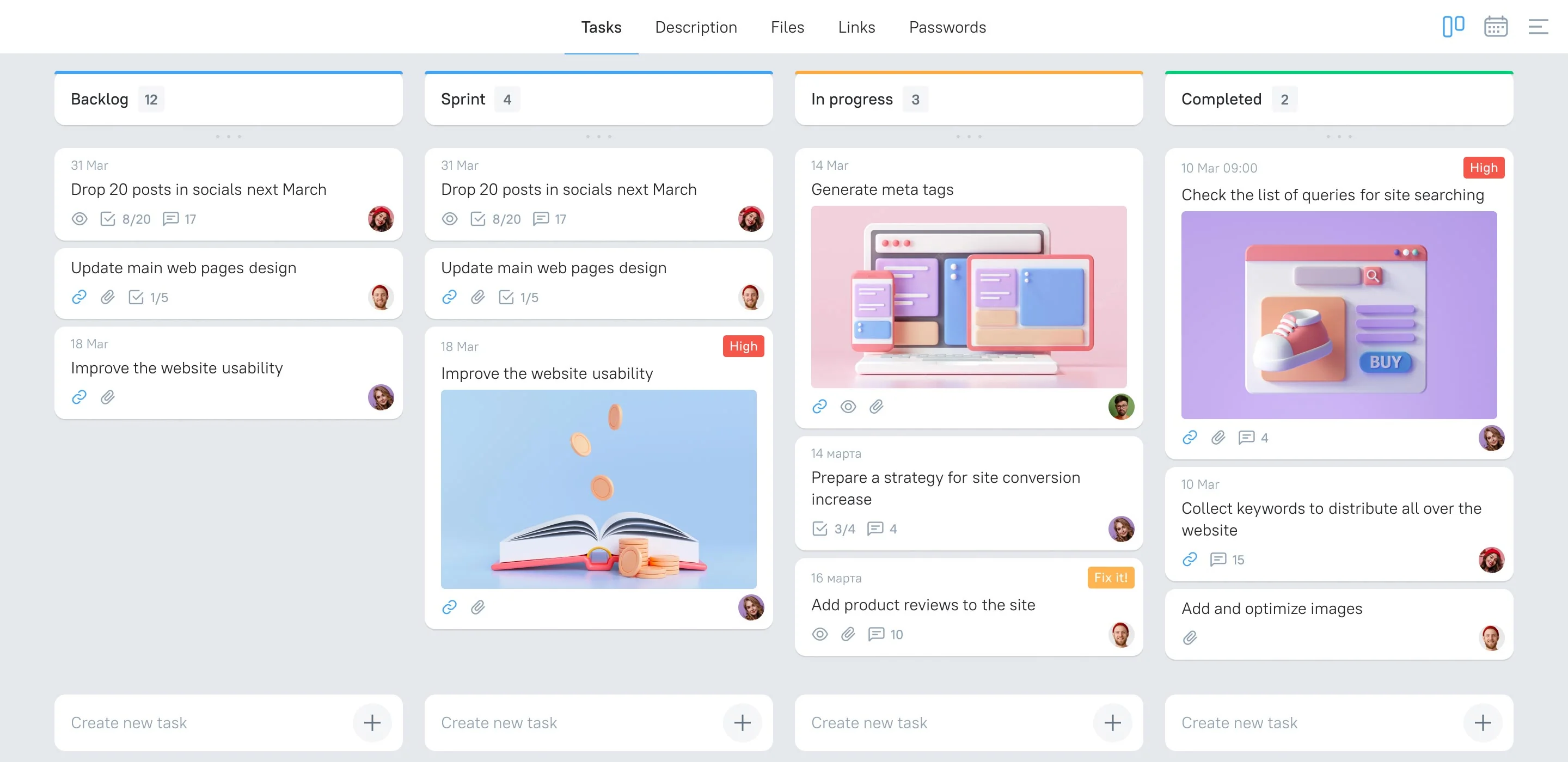
From deal to delivery in three steps
The customer never gets re-typed, the team never gets re-briefed.
-
1
Close the deal in the pipeline
Chats, calls and documents are already in the deal card. Move it to the Won stage.
-
2
A project is created automatically
Plexeo builds it from your template: tasks, owners, deadlines, and the customer with the full chat history attached.
-
3
Deliver and keep the client in the loop
The team works the Kanban board; the account manager sees progress from the same customer card and replies in WhatsApp without switching tools.
Sales and delivery in one tool. No second subscription to Trello or Asana.
Break a task into a checklist, then convert any item into a separate task with its own owner and deadline. When the sub-task is done, the checklist item ticks itself. Works for Scrum sprints and for a plain to-do list.
Invite a contractor or a client into one project and nothing else. Set who can view, comment or edit. Remove access in a click when the project ends.

Every change to a task shows up in the notification centre and, if you want, in Telegram via the Plexeo bot. Nothing gets missed because someone did not open the app.
Keep briefs, contracts and client logins in the project card instead of in chats and personal notes. New teammates find everything in one place from day one.

Switching from Trello, Asana or Monday?
Import boards, tasks and due dates in one step and keep working the same day.







Run sales and projects from one screen
Projects are included in every plan — no add-on, no extra seat price.

Frequently asked questions
Included. Every Plexeo plan comes with projects, Kanban boards, tasks and checklists at no extra cost — $7.90 per user covers both sales and delivery.
When a deal reaches the stage you choose — usually “Won” — Plexeo creates a project from a template, copies the customer, contacts, files and chat history into it, and assigns the team. You can also create a project by hand from any deal card.
Yes. Invite an external user to a single project with view or comment rights. They see only that project, never your pipeline or other customers.
For teams up to about 30 people — yes, that is exactly what it is built for. You get boards, lists, checklists, due dates, files and comments. What you will not find are Gantt charts and complex resource planning; if you need those, keep a dedicated tool.
About an hour for a typical small team: create a board, add stages, import tasks from CSV or your previous tool, invite the team. Support helps with the import for free.